Development & Debugging
Inspecting logs
You can inspect basic logs from oterm by invoking the log viewer with ^ Ctrl+l or by using the command palette. This is particularly useful if you want to debug tool calling.
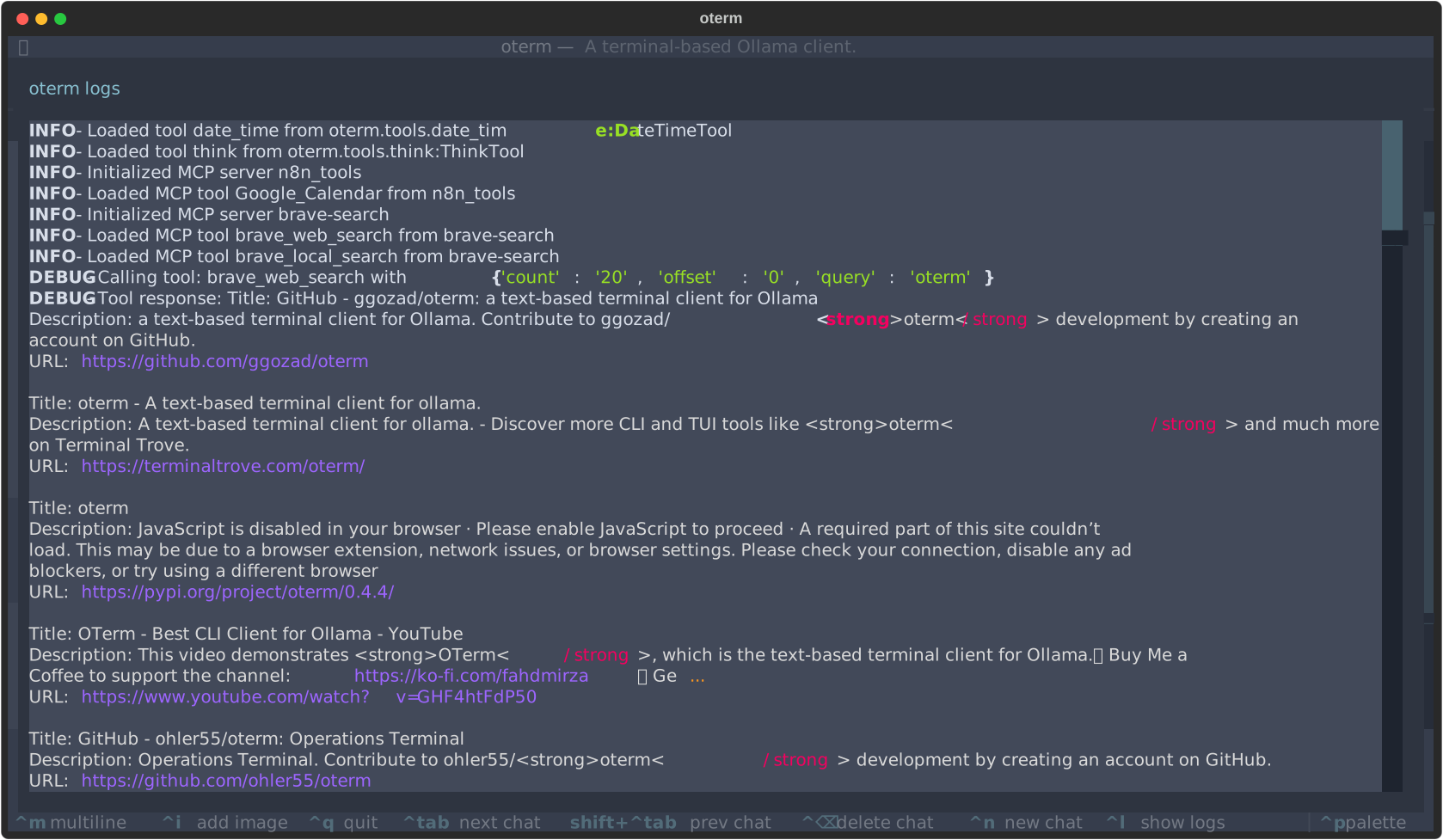 oterm's internal log viewer showing the Brave Search MCP tool in action.
Setup for development
Tests, linting and type checking:
Debugging
To see oterm's log messages as they happen, start the Textual console in one terminal:
This hides most of Textual's own messages. Then start oterm in development mode in another:
Documentation
oterm uses Zensical to generate the documentation, configured in zensical.toml. To serve it locally, run:
uv run zensical build builds the static site.