Skip to content

oterm

the terminal client for Ollama, OpenAI, Anthropic, and any pydantic-ai-supported provider.

Features

  • intuitive and simple terminal UI, no need to run servers, frontends, just type oterm in your terminal.
  • supports Linux, MacOS, and Windows and most terminal emulators.
  • multiple persistent chat sessions, stored together with system prompt & parameter customizations in sqlite.
  • talks to Ollama, OpenAI, Anthropic, Google (AI / Vertex), Groq, Mistral, Cohere, AWS Bedrock, DeepSeek, Cerebras, Grok, Hugging Face, and any OpenAI-compatible endpoint — local (vLLM, LM Studio, llama.cpp, …) or hosted (OpenRouter, LiteLLM, …).
  • tools — built-in (shell, date_time, think), custom Python plugins via entry points, and any Model Context Protocol (MCP) server.
  • allows for easy customization of the model's system prompt and parameters.

Installation

See the Installation section.

Using oterm

oterm picks up providers automatically from your environment. If Ollama is running on http://127.0.0.1:11434 it shows up out of the box; for any other hosted provider, set the relevant API key (OPENAI_API_KEY, ANTHROPIC_API_KEY, etc.) and it appears in the provider dropdown. For other local runners (vLLM, LM Studio, llama.cpp, …) or hosted OpenAI-compatible endpoints (OpenRouter, LiteLLM, …), add an entry to the openaiCompatible section of config.json. See Providers and API keys and the openaiCompatible config block.

To point Ollama at a non-default host or disable SSL verification, see Environment variables.

To start oterm simply run:

oterm

If you installed oterm using uvx, you can also start it using:

uvx oterm

Screenshots

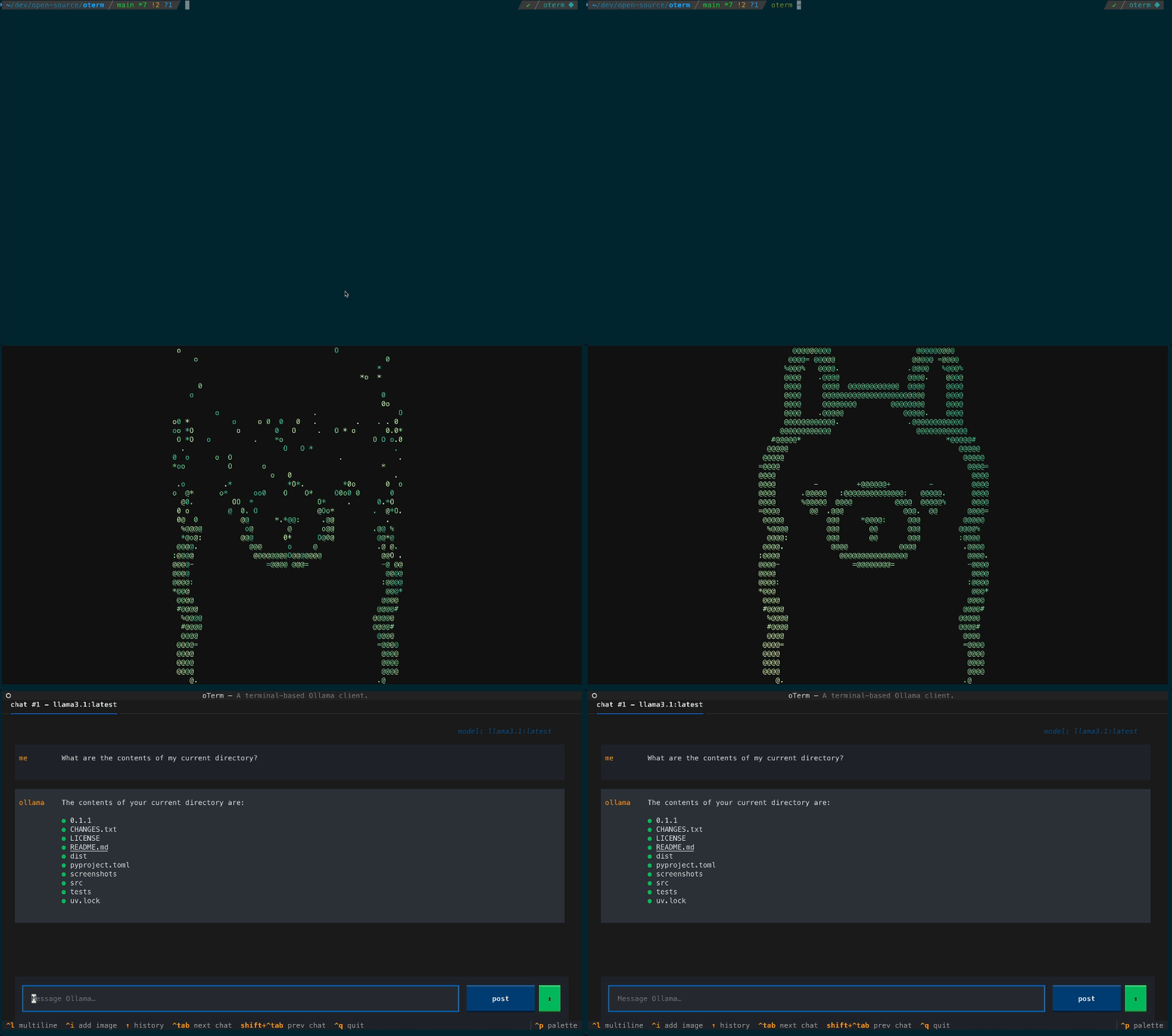
Splash The splash screen animation that greets users when they start oterm.

Chat A view of the chat interface, showcasing the conversation between the user and the model.

Theme oterm supports multiple themes, allowing users to customize the appearance of the interface.

License

This project is licensed under the MIT License.